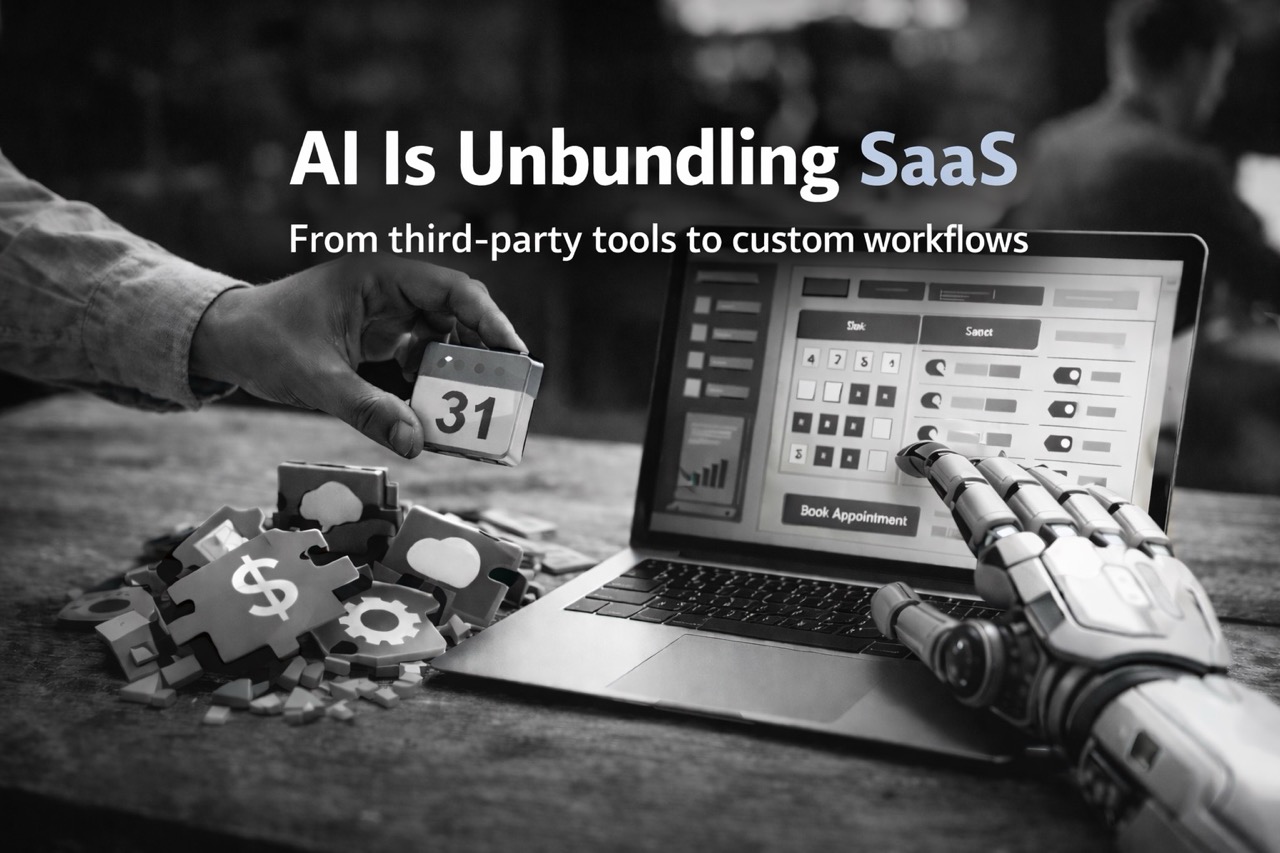
For years, the default answer to "we need feature X" was "subscribe to a SaaS for that." It is still the right choice in many cases.
What has changed is the cost of testing the alternative. With modern AI tools, the jump from "this workflow keeps causing friction" to "we have a working prototype" is much smaller than it used to be. Often it is hours, not weeks. AI does not ship production systems on its own. It speeds up the slowest part of the process: turning intent into something you can run in your own stack.
This shift matters most for small, niche products: tools that are useful only when they match your process. When the fit is off, you usually choose between paying for a higher tier, stitching together workarounds, or living with the friction. AI adds a fourth option: build a small custom tool and keep refining it. Even when you still choose SaaS, a fast prototype helps you clarify requirements and judge what you are paying for.
A concrete example: calendar booking
Calendar booking is a great example because it looks simple from the outside: show availability, let someone pick a slot, send an invite. There are plenty of great services here (Calendly and many alternatives). Free tiers tend to be limited (customization, features, number of connected accounts), which is completely reasonable, but it often clashes with how people actually manage calendars.
If you want a quick overview of options and tradeoffs, this roundup is useful: https://www.usemotion.com/blog/calendly-vs-tidycal
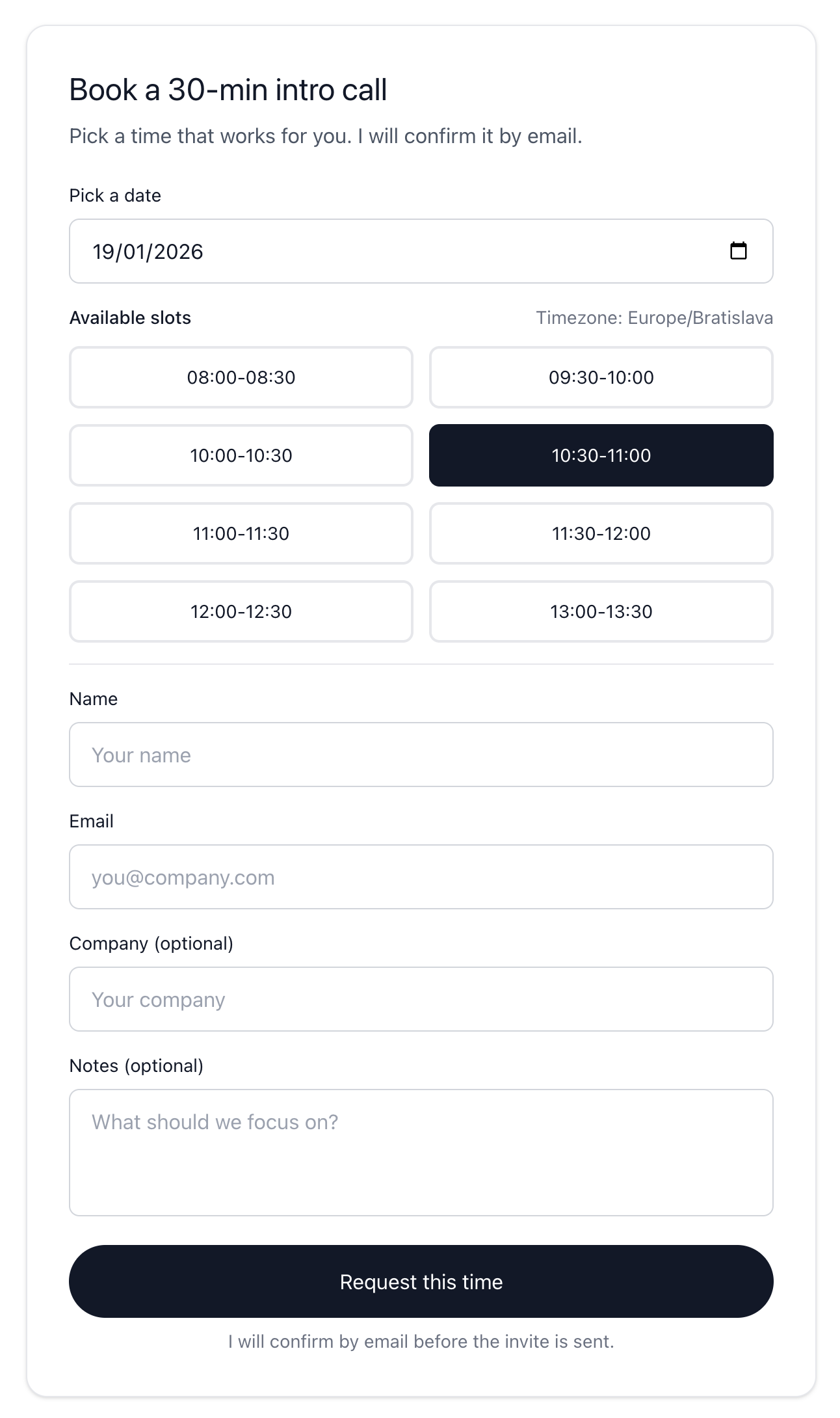
I wanted a booking flow on my own site that matched my constraints: one call type, availability merged across multiple Google accounts and calendars into a single view of open slots, practical scheduling rules (weekdays, working hours, slot length, buffer time, minimum notice, and how far ahead to show), and a lightweight approval step. The visitor requests a time, I confirm it, and only then the calendar invite (with a Google Meet link) is sent.
In practice, that approval step matters. After a visitor selects a slot and submits the form, I receive an email with the request details and two links: confirm or decline. If I confirm, the system re-checks the slot, creates the event in Google Calendar, and sends an official calendar invitation email to the attendee (and updates my calendar). If I decline, the requester gets a polite "not available" email and can pick another time.
Here's what the public booking UI looks like:
Building the first version was fast. The bigger win came later: because the feature lives inside my project, I can keep tailoring it.
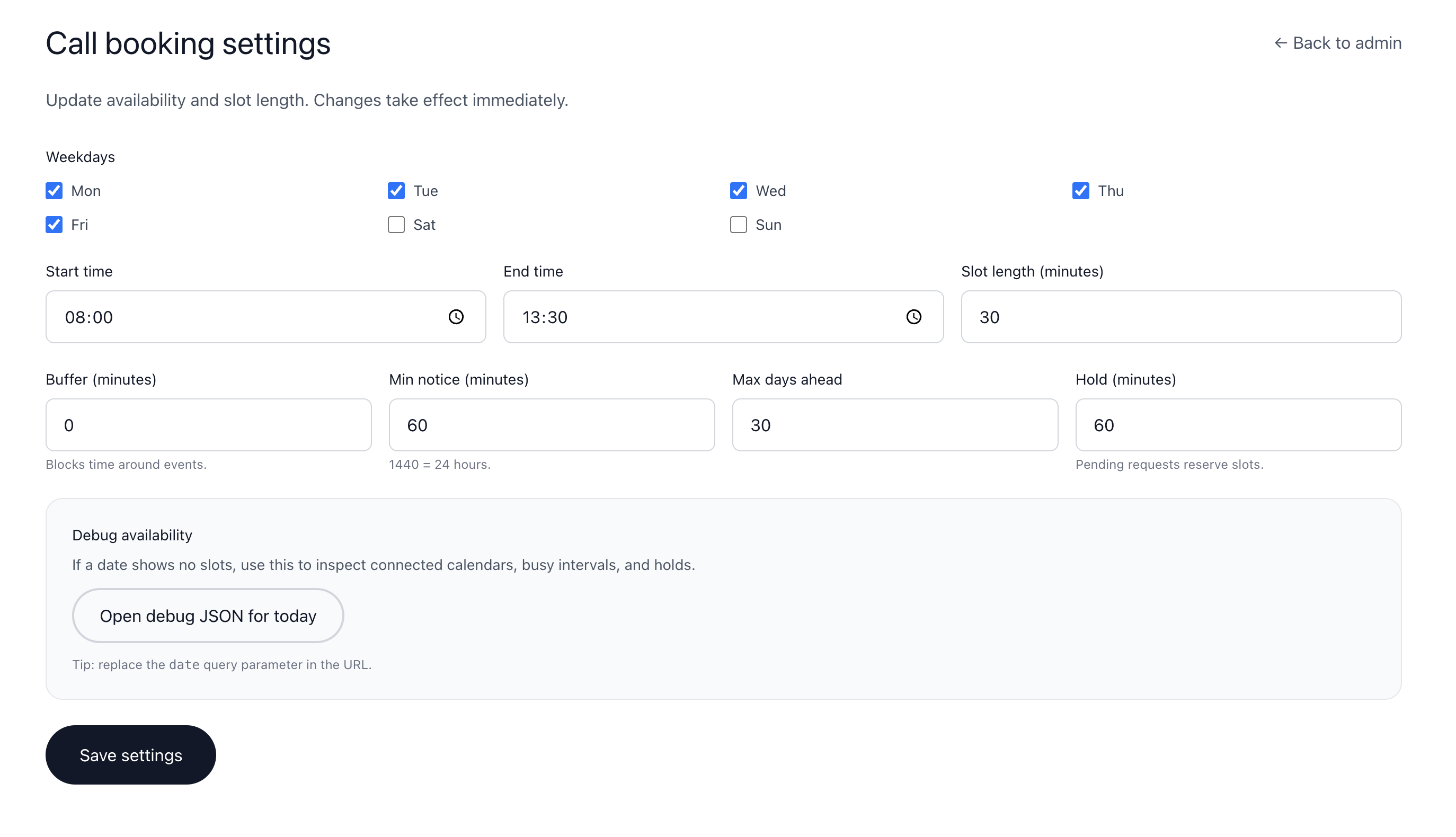
I added a small admin page to update availability settings without redeploying: weekdays, start/end time, base slot length, buffer time around busy events, minimum notice, maximum days ahead, and the "hold" time used to prevent double booking while a request is pending.
The scheduler also supports connecting and disconnecting multiple Google accounts. That is the main point for many people: availability is often split across personal and work calendars, and you want one merged "free/busy" view.
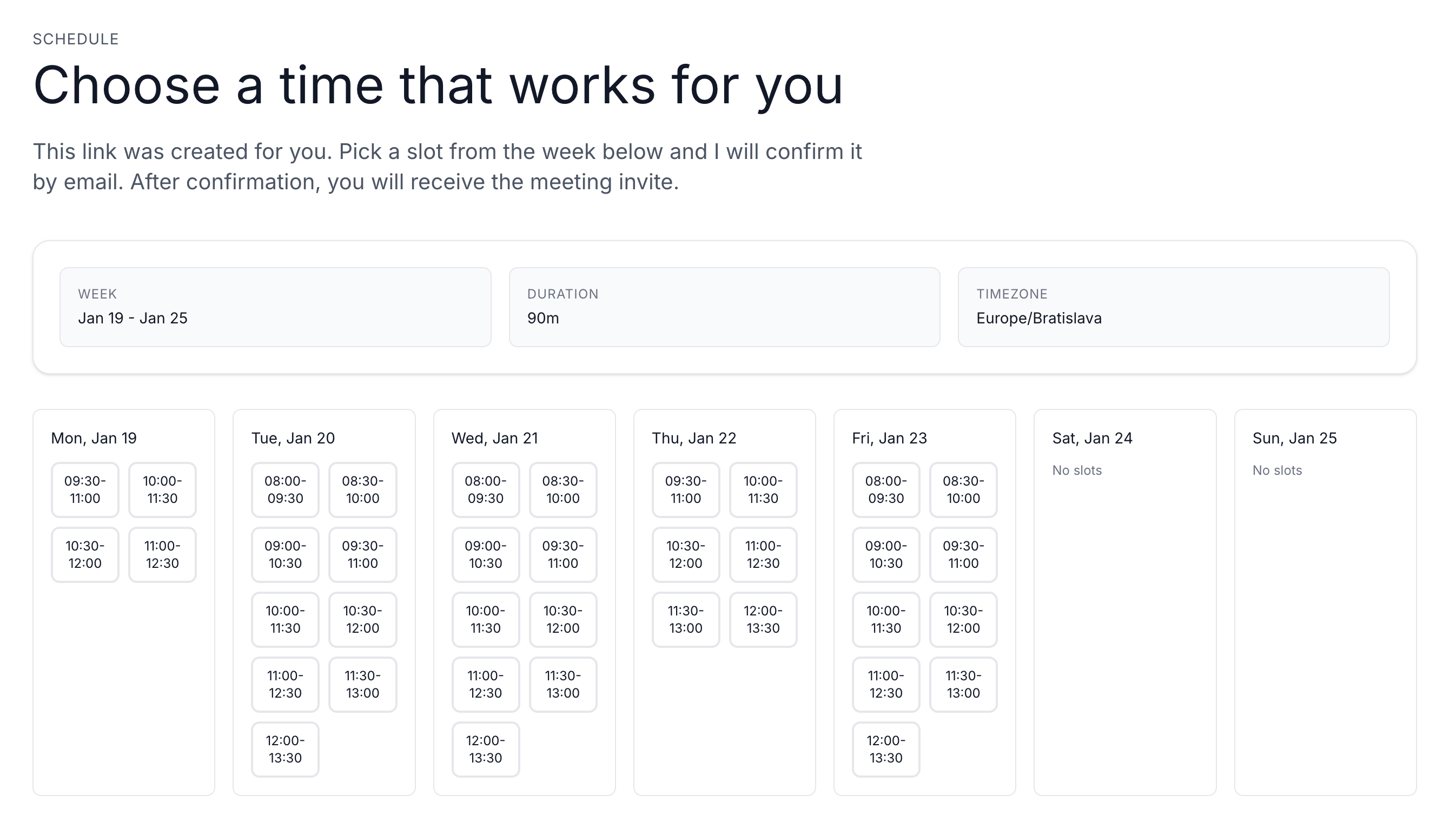
There is also a workflow detail that generic tools rarely optimize for. Sometimes the best flow is not "pick any slot in the next 30 days." For group planning, I prefer sending a single link locked to a specific week and duration (30/60/90/120 minutes), so everyone looks at the same window.
So I added an admin tool that generates a signed, shareable weekly link and previews the availability before sending it:

Here's what the recipient sees: a weekly overview, limited to that window:
None of this is "magic AI." The work is still real: OAuth, edge cases, time zones, validation, rate limiting, and operational details that make a feature safe on a public website. AI changed the pace. I could test more options and reach a good fit faster.
The biggest shift for me is what I am willing to attempt. In the past, I would not have built a booking system from scratch because hidden flows and small edge cases only show up after days of debugging in production-like conditions. With AI assistance, many of those issues surfaced earlier, and iterating toward a reliable solution felt practical.
The bigger point: reclaiming workflow ownership
This is why AI is unbundling parts of SaaS. Not because subscriptions disappear, but because the cost of building small tailored workflows has dropped enough to make it a sensible option more often.
For SaaS founders, this is a reminder that defensibility rarely comes from one feature. Distribution, deep workflow integration, trust, compliance, and operational execution matter more when feature gaps can close quickly.
For buyers and small businesses, this is an invitation to be more ambitious. Pick one recurring workflow where your current tool forces compromises. Describe how you want it to work. Build the smallest useful version. If it proves useful, treat it like a product: add guardrails, monitoring, and the integrations that make it part of your system.
The payoff is not only subscription savings. It is moving from "renting a workflow" to owning one, with AI making the path from idea to working software short enough that experimentation is practical.